
Name-Based Trego County Case Searches
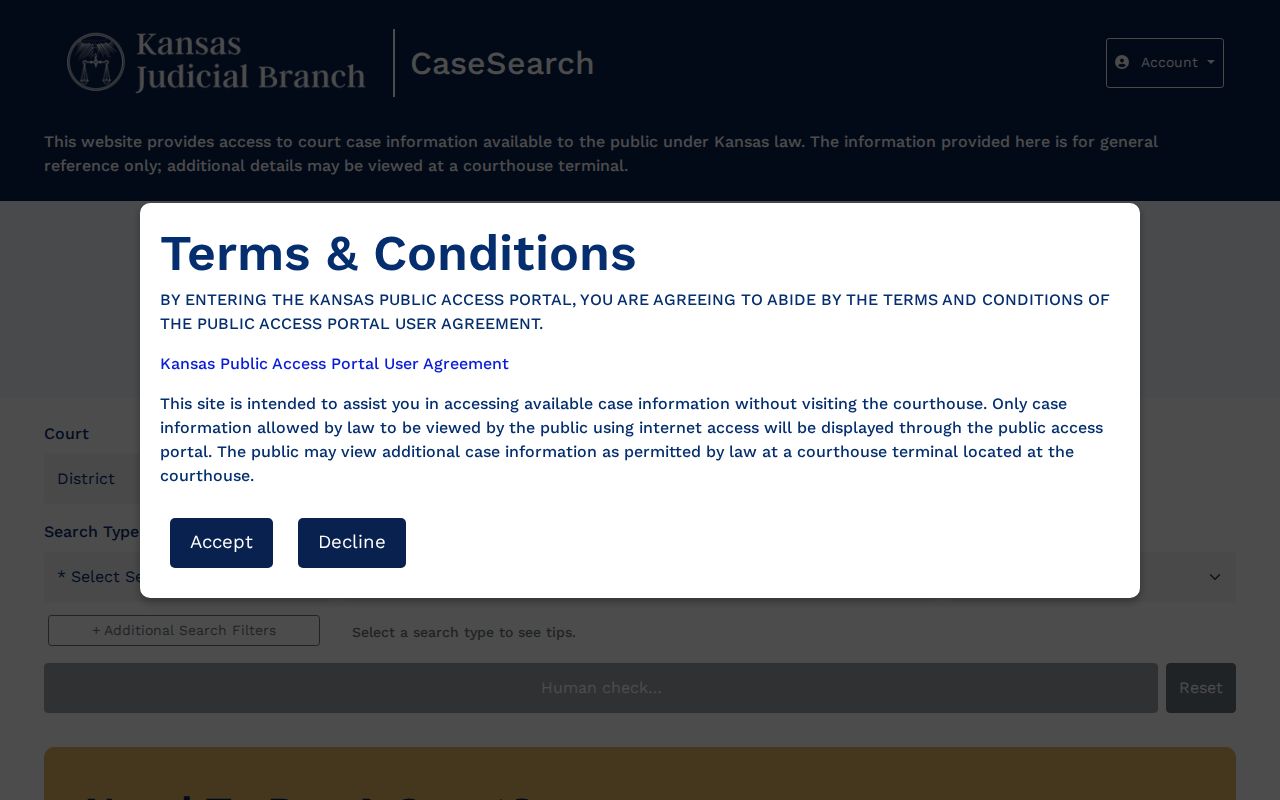
Open the Kansas CaseSearch portal to begin. Accept the terms first. Pick District as your court, then choose Party Name as the search type. Type the last name and first name exactly as the official smart-search instructions show. A common name can flood the results. Narrow things down by selecting Trego County and adding a case type or a filing-date range to your docket search.
- Open Kansas CaseSearch and accept the Public Access Portal agreement.
- Choose District, then Party Name.
- Enter the known name, using at least three last-name letters and one first-name letter.
- Select Trego County and add narrow filters only when useful.
- Complete the Human check and submit the search.
- Match the court, case number, type, dates, and party role before opening a result.
The official guide allows a few name forms. You can search by last name alone. First plus last works too. The fuller "Last Name, First Name Middle Name" style is also accepted. An asterisk works as a wildcard, so Smith* or J* will pull matching variations. Skip the birth date unless you truly need it. Keep this in mind. A name match in a court docket is never a certified identity finding.
Kansas CaseSearch's Trego County Sequence
The portal walks you through a fixed order. Pick the Court and Search Type first. Then enter a Search Term. If you chose a District search, a County field appears. Toggling Additional Search Filters unlocks Case Type, date of birth, and filing dates. A human verification check must pass before the search button will even activate. Plan for that step. The current Kansas-hosted application lays out these fields on its official search page.
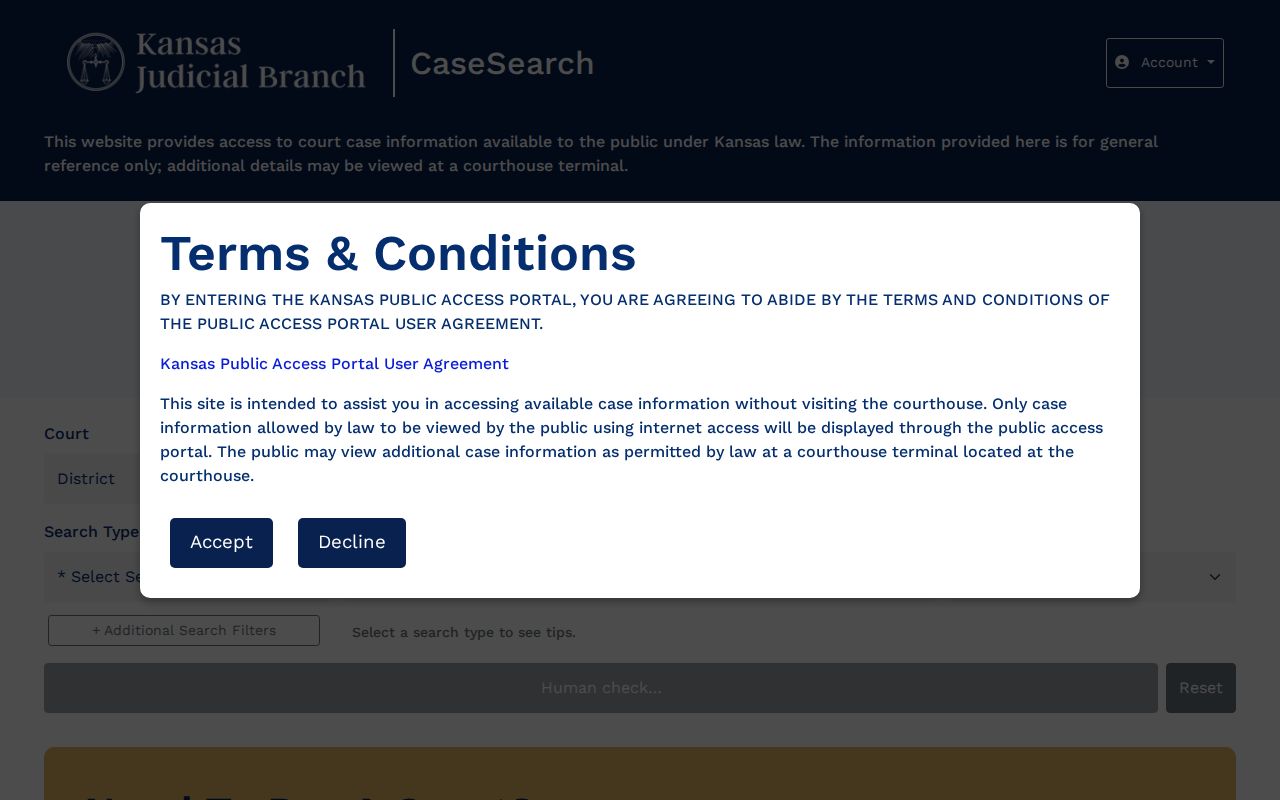
Seeing the live screen makes the workflow click. No payment button appears on the opening screen, and no account is needed for a basic public guest search.
| Field | Type | Required | Trego use |
|---|---|---|---|
| Court | Selection | Yes | Choose District for a Trego trial case. |
| Search Type | Selection | Yes | Number, party, business, party-as-business, or citation. |
| Search Term | Text | Yes | Enter the exact known value or supported wildcard. |
| County | Selection | District | Choose Trego, whose code is TR. |
| Case Type and Dates | Advanced | No | Narrow a broad result set. |
Case Number Searches
An exact number is often the cleanest route to a case. The Trego County Daily Docket shows patterns like TR-2026-CR-###### for criminal cases. Traffic uses TR-2026-TR-######, limited actions TR-2026-LM-######, and juvenile-offender matters TR-2026-JV-######. Treat these as structure, not real case numbers. Choose District, select Case Number, and enter the full number from your court correspondence. Pick Trego when prompted and finish the Human check. Match the returned details against the document in hand. Check the county, case type, filing date, judge, and parties. One caution: a juvenile pattern does not make its details public. Restricted content stays restricted even when the number's structure is known.
Trego County Human-Check Problems
Sometimes the button reads "Human check…" and stays disabled until Turnstile verification clears. Missing inputs can trigger a prompt telling you to select a type and enter a keyword. Other sessions hit an unexpected error, time out, or fail to open case detail because a pop-up got blocked.
If the portal stalls: reload once, narrow the search, permit the case-detail pop-up, or move to an official fallback channel.
When the portal fights you, try the 23rd Judicial District Record Search link instead. The Daily Docket helps when you need a near-term hearing date. You can also call the Trego clerk at 785-743-2148. The public terminal at 216 N Main Street sometimes shows detail missing online. Written requests can go through the Kansas KORA court-record form. Confirm delivery and cost with the clerk first. Note that the filing drop box is not a search channel.
Trego County Case Search Results Explained
A public search result is case information for general reference. Kansas guidance separates the case index from the documents filed behind it. A result can point you to a case while offering no downloadable pleading or order, so the court docket entry is a starting point rather than the full file.
| Case Number | The court identifier used to match all later checks. |
|---|---|
| Parties and Roles | Public involved names and their positions in the matter. |
| Case Type | The broad criminal, civil, family, probate, mental-health, or other category. |
| Judge and Dates | The assigned judge plus public filing or hearing information. |
| Events or Documents | Public entries or images when available under rule, statute, order, and system coverage. |
Kansas Supreme Court Rule 21 names the chronological index an events index, also called a register of actions. That is not a certified copy. When certification matters, ask the clerk for a clerk-certified record instead.
Trego County Portal Access Limits
The official Public Access Portal agreement states plainly that online access does not cover the full universe of court information. It points readers toward courthouse-terminal access for more.
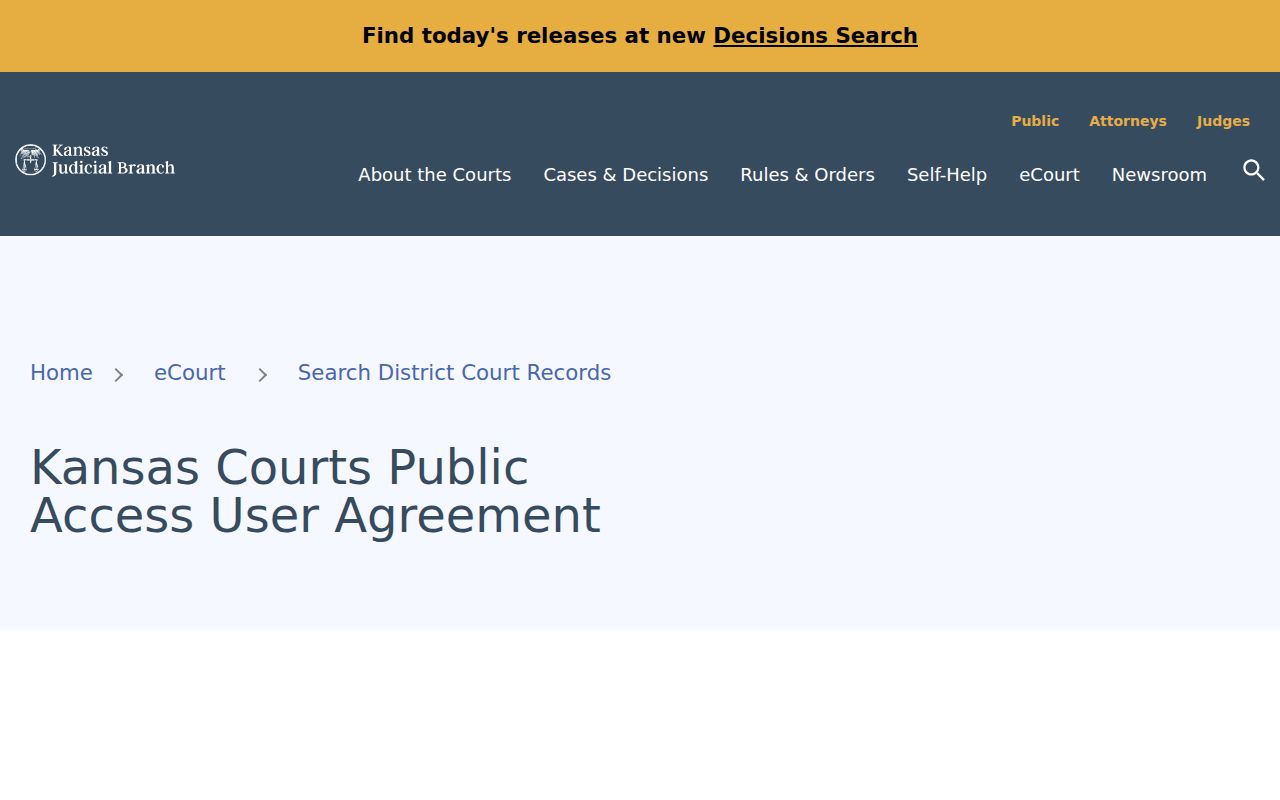
One distinction matters here. A valid public case can lack online documents. Yet it may hold more public information at the courthouse terminal. Sealed and legally exempt material stays unavailable even there. Older cases may need the clerk, a written request, or an in-person document inspection. Requests can travel by mail, fax at 785-743-2726, the published court email, or a visit. Let the clerk confirm acceptance, payment, and delivery terms.
Two Ways to Search: County and State
Trego County runs no separate public case portal for its District Court. Kansas CaseSearch serves as the statewide layer, and Trego appears among its county choices. The local layer is the Trego clerk, the courthouse terminal, and the 23rd District's hearing and record-search pages.
| Kansas statewide layer | Trego local layer |
|---|---|
| Search public district or appellate case information. | Confirm a local setting and ask about older or fuller records. |
| Use name, number, business, or citation controls. | Use phone, counter, fax, mail, email inquiry, or written KORA request as confirmed. |
| Best first stop for an online District Court lookup. | Best fallback for terminal detail, copies, and uncertain dates. |
WaKeeney Municipal Court stands apart. Its ordinance and city traffic matters are not assumed to show up in District CaseSearch, so call 785-743-5458. Collyer's official page lists no municipal portal or court, which means calling the city contact beats guessing at a route. Federal cases live in PACER, not Kansas CaseSearch.
Trego County eFlex Is Not Search
Kansas eFlex is a filing system for authorized users, not the public docket search. Accepted filings feed into Kansas eCourt case management once a clerk accepts them. Public display then depends on access rules. Having a filer account does not unlock unrestricted public record access. Recovering a password does not either. Reaching a support line does not either. The Kansas eFlex portal shows its account and login workflow on the official page.
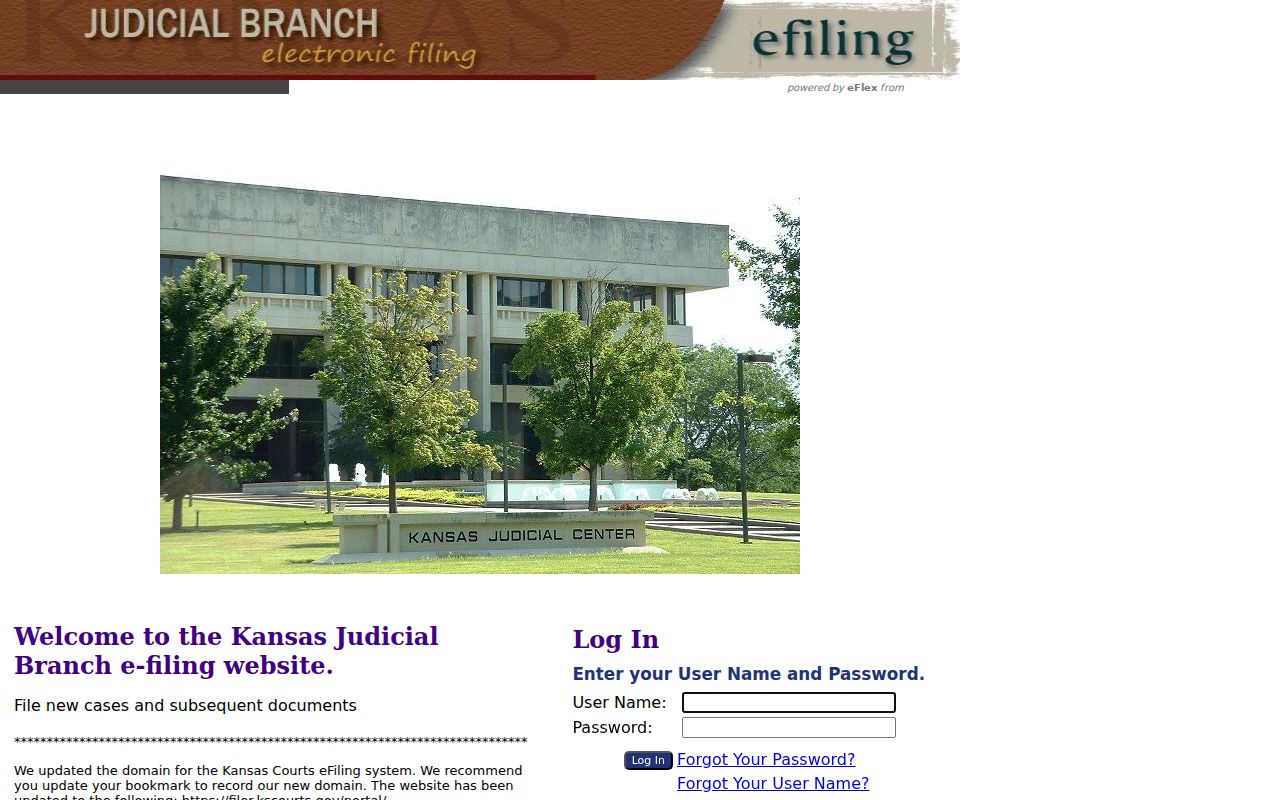
The boundary between the two systems matters. Members of the public tracking a Trego County case should head back to CaseSearch or the clerk. Approved ID.me access grants elevated rights for eligible roles, but the ordinary free guest search needs nothing of the kind.
Which Trego County Cases Stay Restricted
Not every Trego County case is open to the public. Some are sealed by statute, rule, or court order. Others contain protected information, and juvenile matters follow their own strict framework under K.S.A. 38-2309. Expunged records are restricted too. The family, probate, and mental-health filters on a docket search sort cases into broad categories. They do not promise that every document inside a category can be viewed.
Treat a sealed marker or a missing detail as a line not to cross. Guessing at identities behind a confidential calendar code is not allowed. Kansas Supreme Court Rules 22 through 24 control electronic access and redaction. KORA lists its own exceptions. Anyone with legal authority to seek restricted access must go through the court's lawful process. Everyone else should simply ask the clerk what portion of the court record can be inspected. Ask whether any part can be viewed.
A precise search term unlocks nothing. Restricted is restricted.
Trego County Search and Calendar Cross-Check
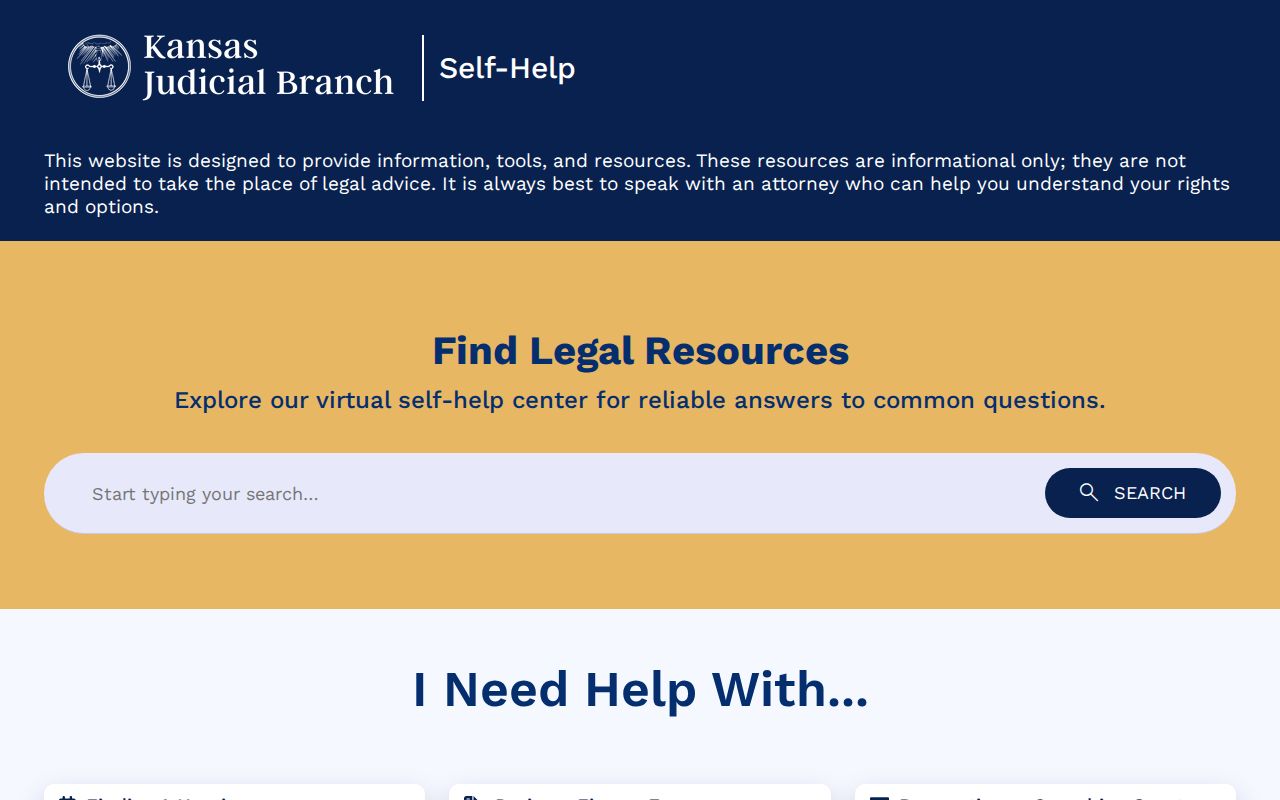
A case lookup and a hearing calendar answer two different questions. CaseSearch tells you a case exists. It also shows its public history. The Daily Docket lists near-term settings. It is posted a day ahead. For a wider view, check the statewide self-help calendar. It covers the next seven days by county or by judge. The self-help portal landing screen shows that statewide calendar layer.
Match the views with the exact case number. Then confirm any close or conflicting court date with the clerk. The fuller Trego County court schedule process walks through Motion Days, appearance modes, and resets. Remember that a calendar line proves nothing about what happened. A hearing listed is not a hearing held. It is not a result.
The official CaseSearch landing and terms screen is documented at its source.
Use that front door rather than a saved bookmark to a temporary application address. The Judicial Branch can switch the underlying host at any time, which breaks old links.